
Tile Mason
A downloadable game for Windows

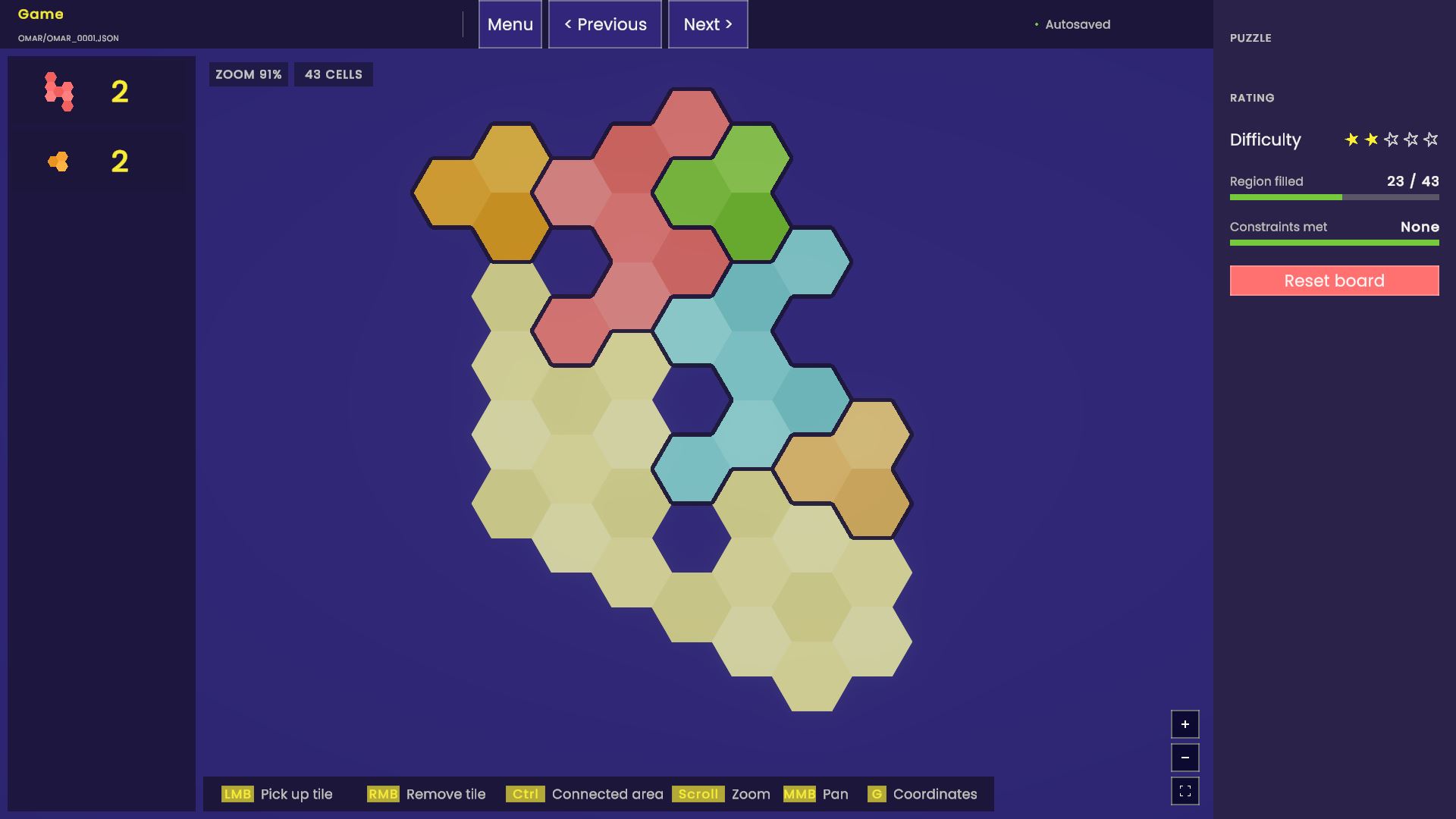
Tile Mason is a game where you have to place a set of tiles in a given shape, possibly satisfying additional contrstraints.
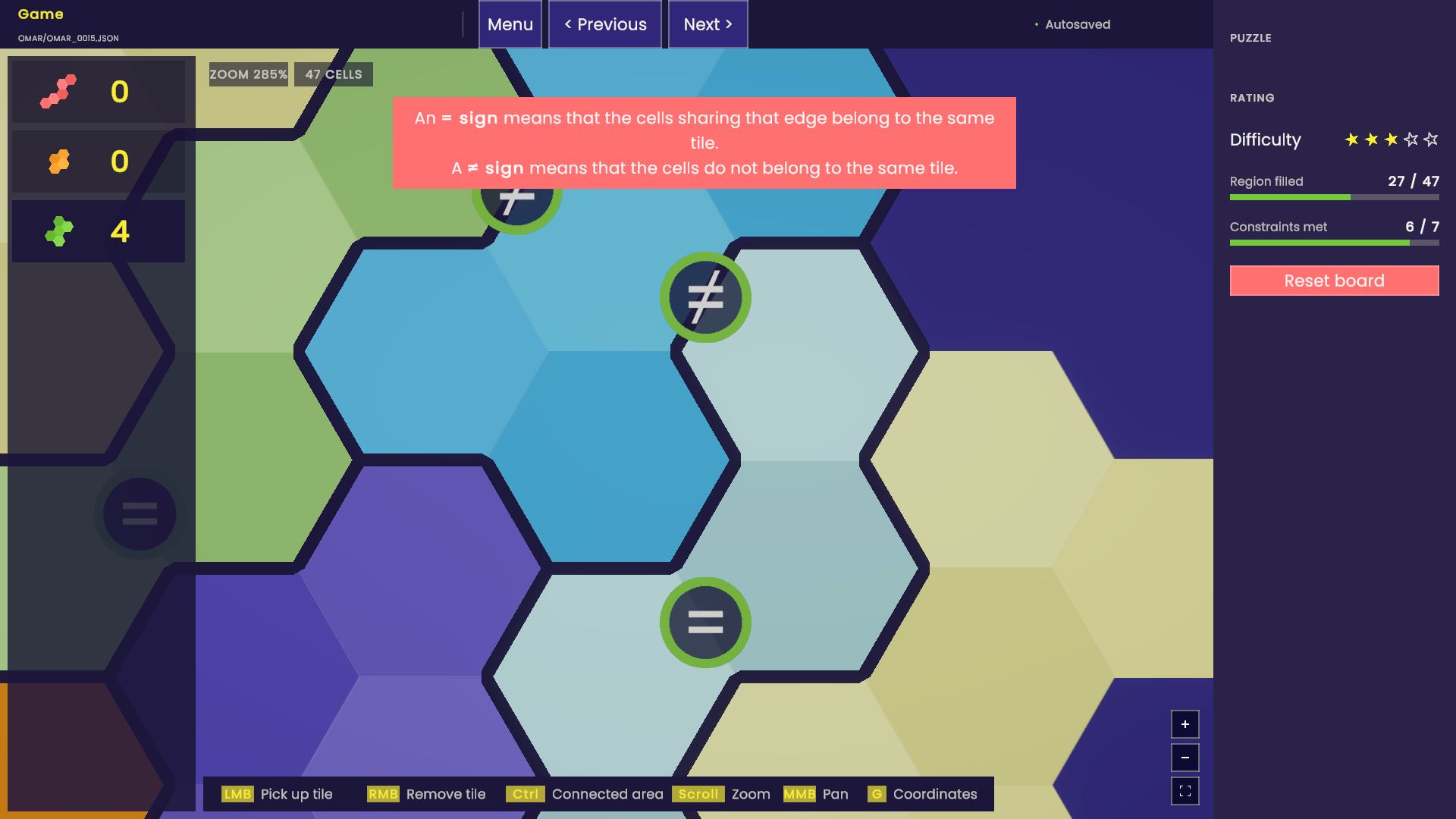
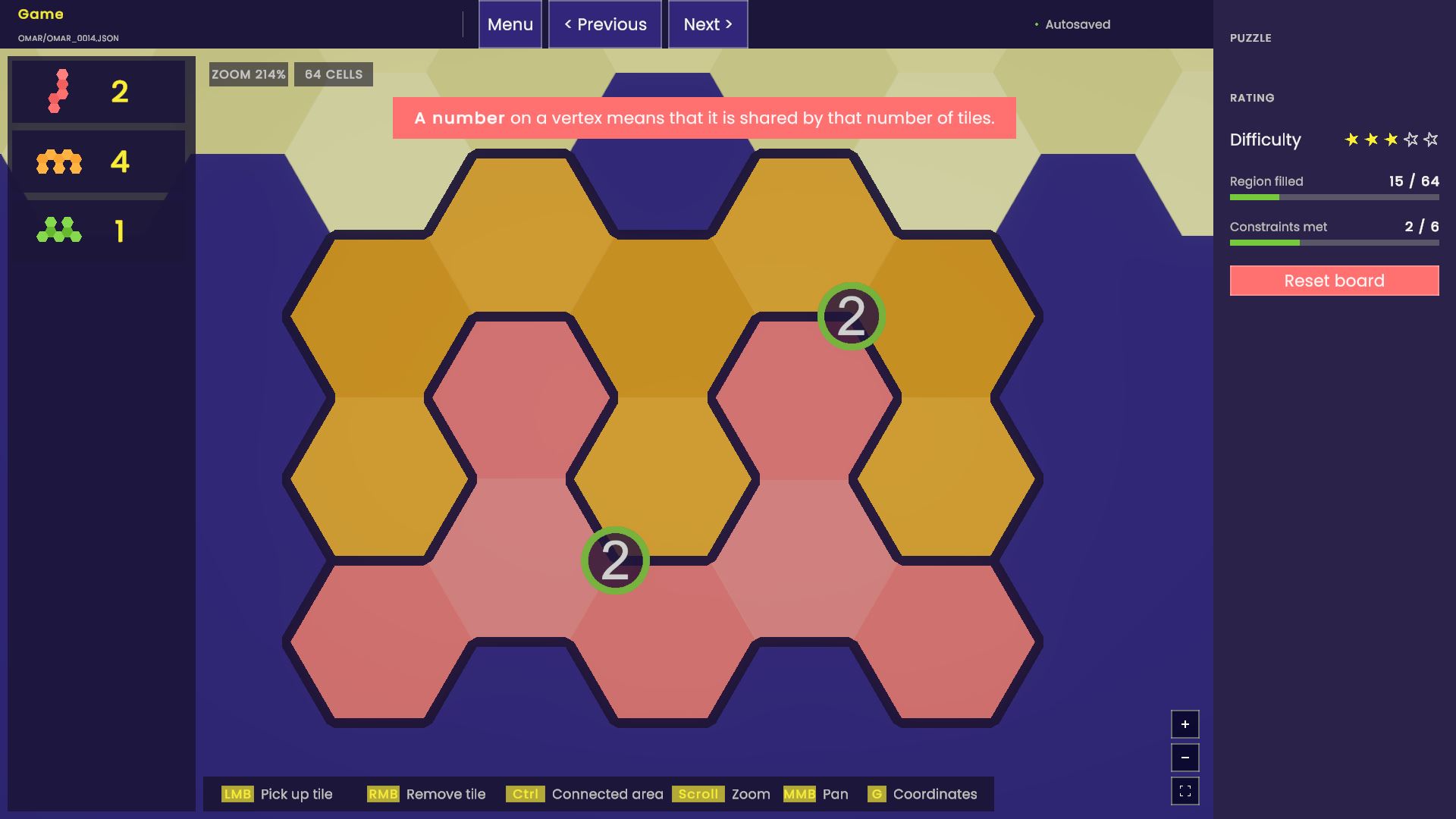
This is a work in progress. The current version feature puzzles in a hex grid, with three possible contraint types: two cells are in the same tile, two cells are in different tiles, or with the nuber of tiles around a vertex specified (1, 2, or 3).

You have to fit all the given tiles to cover the board exactly — no gaps, no overlaps. There is a fixed number of tiles, and you have to place all of them.

Every puzzle gives you a set of tiles, each a differently-shaped cluster of hex cells. Pick one up, rotate or flip it until it fits, and place it on the board. A puzzle is solved once every cell is covered and no two tiles overlap — pure shape-fitting, like a hex-grid jigsaw.

Some puzzles mark a constraint on the edge shared by two cells: `=` means those two cells must end up covered by the same tile, `≠` means they must be covered by different tiles. This adds a layer of logic on top of the fitting itself — it's no longer enough for a tile to fit; it has to be the *right* tile for that spot.

Some puzzles mark a contrant on the corners of the hex cells. The number specifies how many tiles meet at that spot - it can be one tile, two tiles, or three tiles.

Puzzles can combine sseveral constraints. Every constraint shows as a small ring: yellow while any of its cells is still empty, green once it's satisfied, red if its cells are full but the rule isn't met. Filling the board isn't enough on its own — a puzzle is only complete once every ring is green.

- Click a tile in the tray to pick it up.
- Move the mouse — the tile follows the cursor and snaps to the hex grid.
- Left-click — place the held tile (every one of its cells must land on an empty board cell).
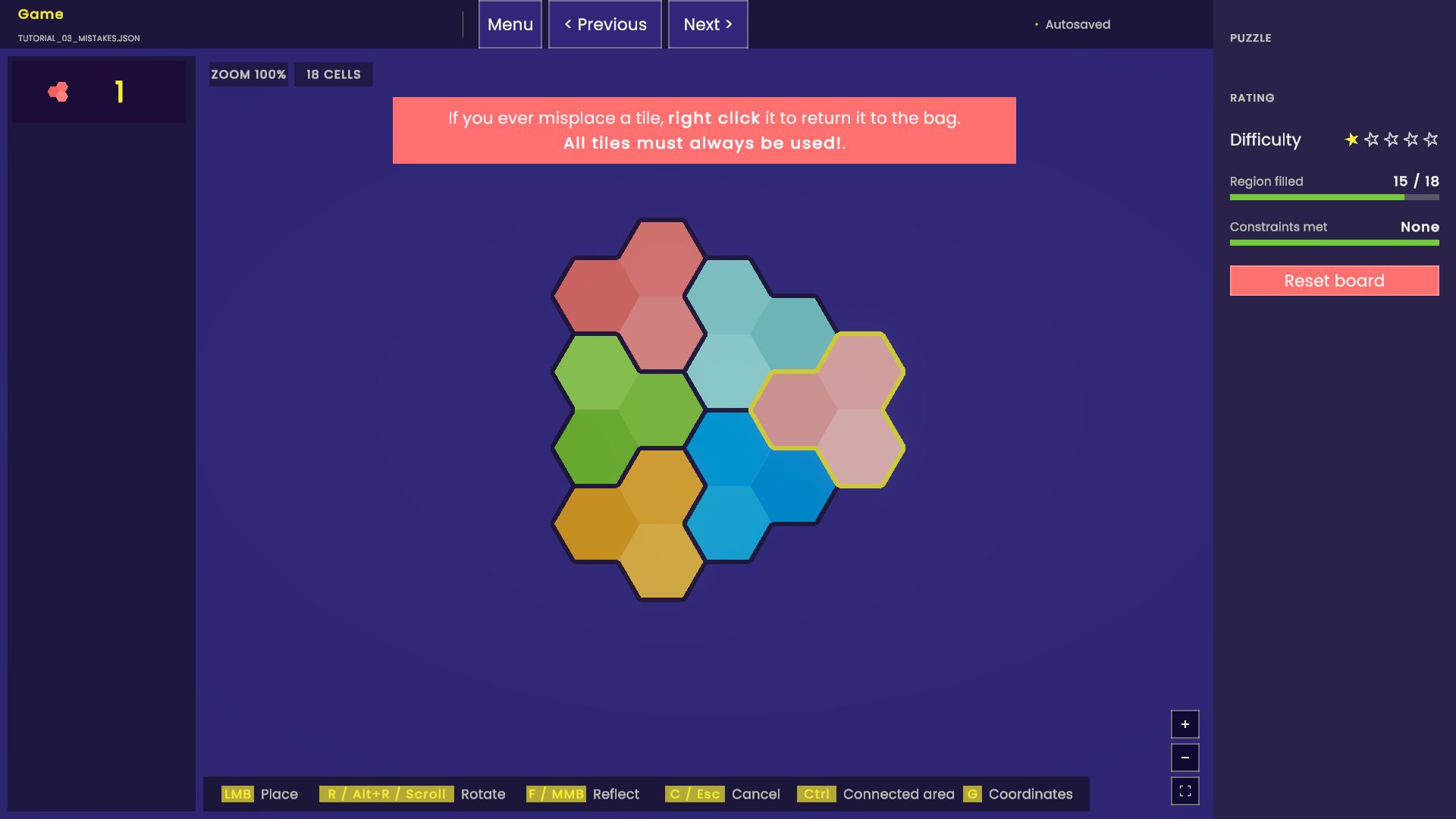
- Right-click a placed tile — remove it and get it back in the tray.
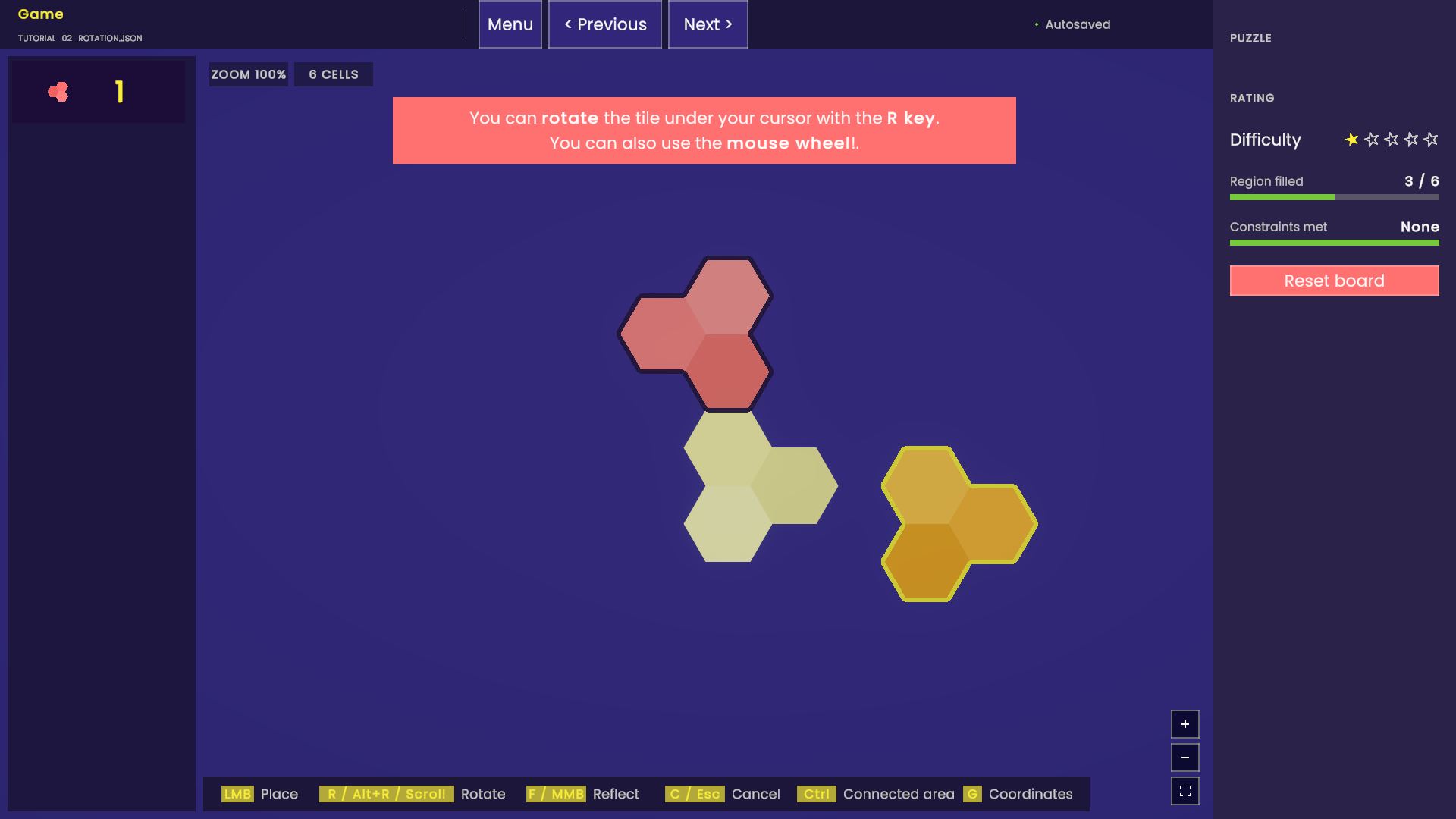
- R or scroll while holding a tile — rotate 60°. Alt+R, or scroll the other way, rotates back.
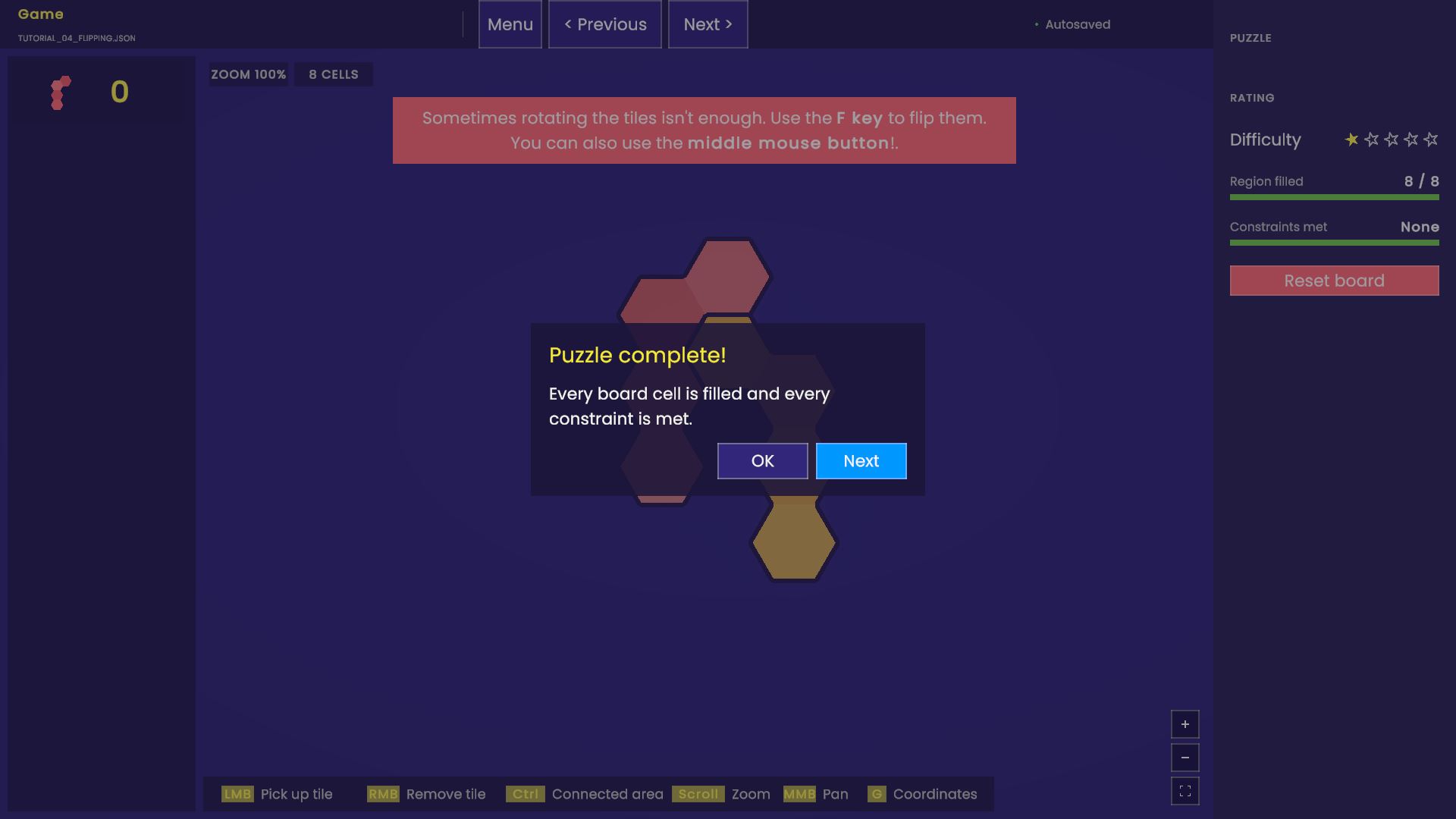
- F, or middle-click while holding a tile — flip (mirror) it.
- C or Esc — cancel; the held tile goes back to the tray.
- Scroll / middle-drag (no tile held) — zoom and pan the board.
- Hold Ctrl — outline the connected empty area under the cursor, so you can see how many cells you need to fill before committing to a tile.
- G — show or hide each cell's coordinates.
Download
Install instructions
It is a Unity game, so unzip the file and run the file TileMason.exe inside the folder.
That is it!
Leave a comment
Log in with itch.io to leave a comment.